Every seat,
perfectly placed
Plan seating for weddings and events without the spreadsheet headache. Drag guests to tables, track meals for your caterer, and give guests a QR code to find their own seats — no giant printed board, no reprinting when plans change.
What are you planning?
Pick your path and we'll show you exactly how Let's Get Seated fits.
Run every event like a pro
Multi-event workflows, client collaboration, and a live day-of command center for the big day.
ExploreFor couplesPlan your wedding, together
Seat your families side by side, track meals, and let guests scan to find their seat — free to start.
ExploreFor event hostsHost any celebration
Galas, showers, reunions, birthdays, and dinners. Seat every guest and let them scan to find their table.
ExploreOverviewSee everything it does
A full tour of seating, meals, guest check-in, and vendor tools in one place.
ExploreEverything you need to seat your event
Thoughtful tools that take you from a messy guest list to a finished floor plan.
Scan to find a seat
Post one QR code and let guests look themselves up on their phones. Live changes never mean a reprint.
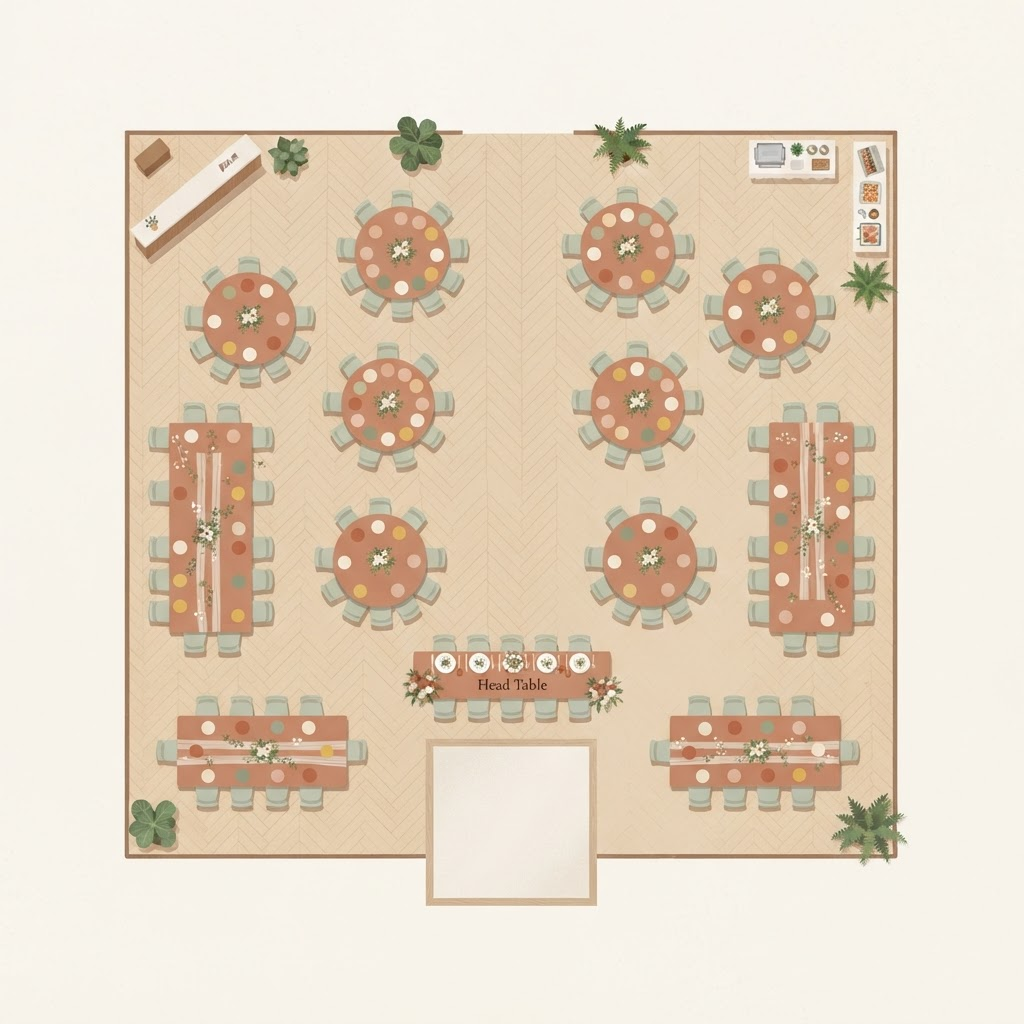
Drag-and-drop seating
Place guests at tables with a simple drag. Switch between open tables and numbered, assigned seats whenever you need.
Keep groups together
Group families, couples, and friend circles so they stay side by side — and spot anyone stranded.
Track meals for your caterer
Assign meals and dietary needs next to every seat, then export a caterer-ready summary.
Plan together
Invite a partner, a friend, or your planner to collaborate on the same up-to-date chart.
Built to be shared
Send a read-only link, post a QR code, or print a polished floor plan for venue staff.
Ready to seat your event?
Create your first seating chart in minutes. It's free to start.